
Audio
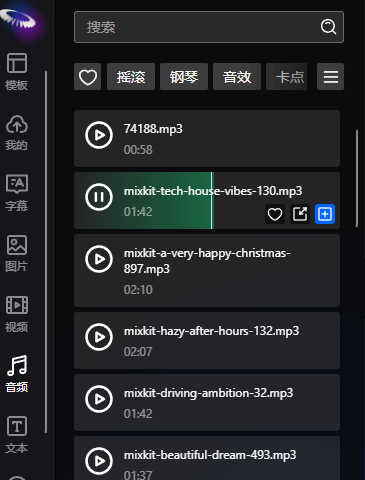
Users can switch to the audio panel to add and audition audio elements. Click the play button to play the audio, and click the add button in the lower right corner to add audio elements.
Fade In/Fade Out
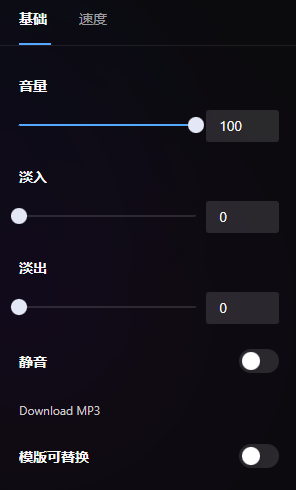
Users can select audio elements and set fade in/fade out effects for the audio. The fade in/fade out effect will not exceed half the duration of the audio.
Volume
Users can select audio elements and set the volume of the audio. The volume is 0-100% of the original audio volume.
Speed
Users can select audio elements, switch to the speed panel, and set the playback speed of the audio. The speed range is 1-16x.