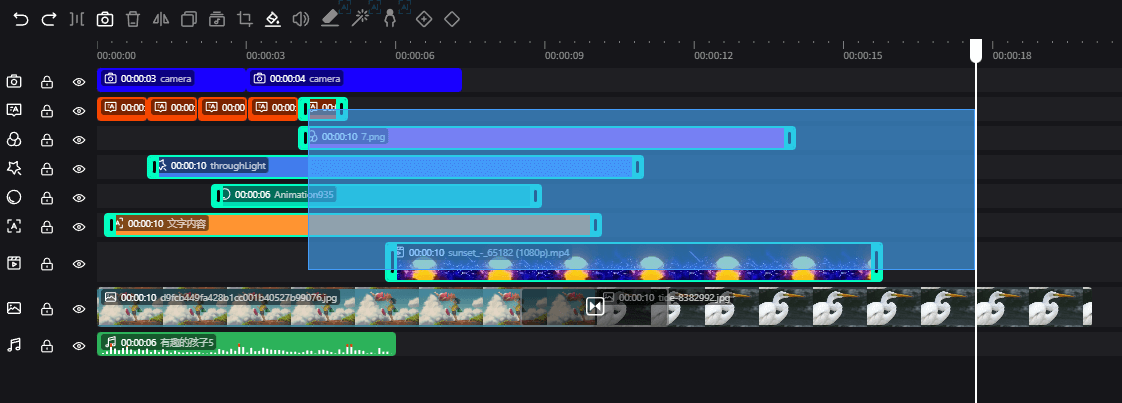
Timeline
The timeline is the core of video production, allowing editing and control of the time and sequence of elements from a time dimension. Users can add, delete, move, and scale elements on the timeline, and adjust the playback order and duration of elements.
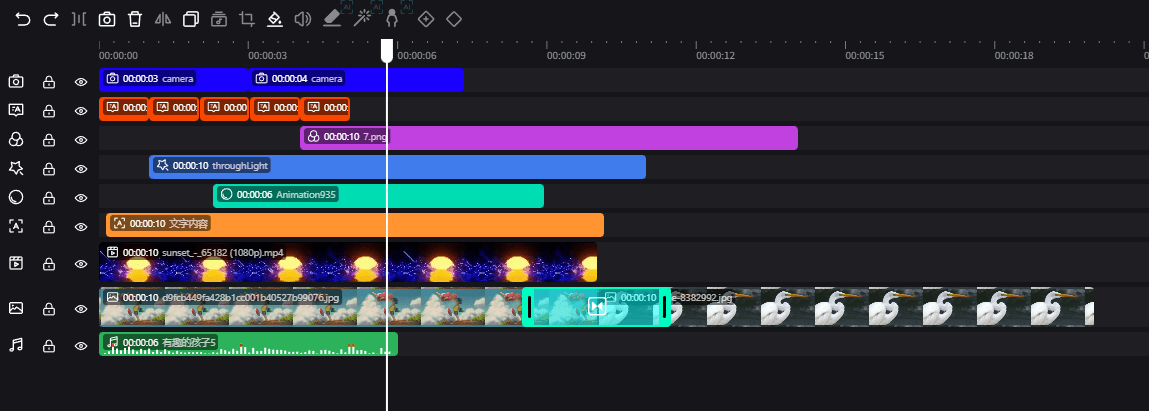
Different elements have different forms and colors on the timeline:
- Video elements: Frame images
- Image elements: Repeated images
- Text elements: Yellow
- Audio elements: Green
- Effect elements: Blue
- Filter elements: Purple
- Camera elements: Dark blue
- Subtitle elements: Orange
- Sticker elements: Light blue
Images and videos can be placed on the same track, while other elements can only be placed on tracks of the same type.
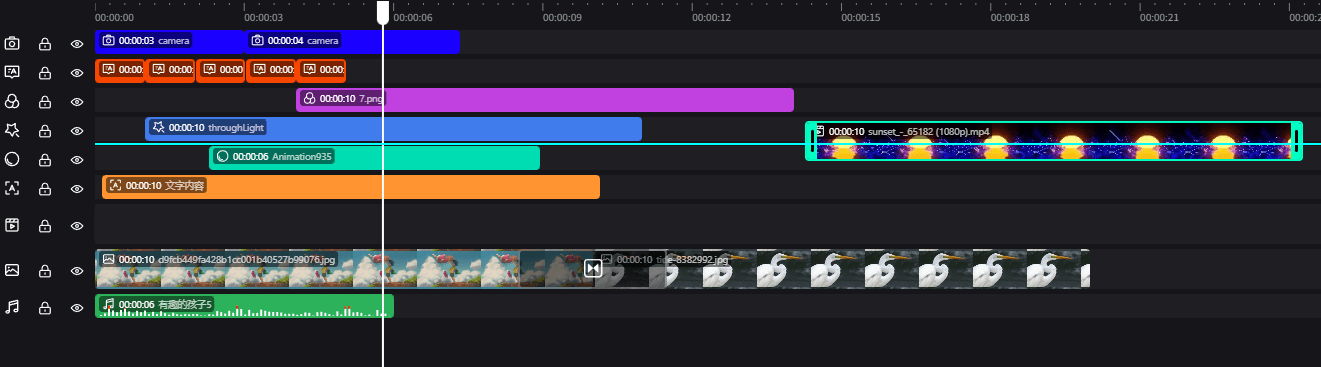
Element Drag-in
When users drag elements up and down with the mouse, release the element when a blue solid line appears, and the element will be inserted at the position of the blue line.
Batch Operations
Timeline elements support box selection of multiple elements for deletion and drag operations.