
Tool Switching
Tools can be switched between two modes: Professional and Simplified, with different features in each version.
- The Simplified version allows quick template replacement without the concept of a timeline, suitable for users with no video editing experience.
- The Professional version provides more features, such as timeline and keyframe operations, suitable for experienced users.
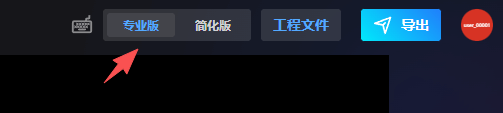
Professional Version: 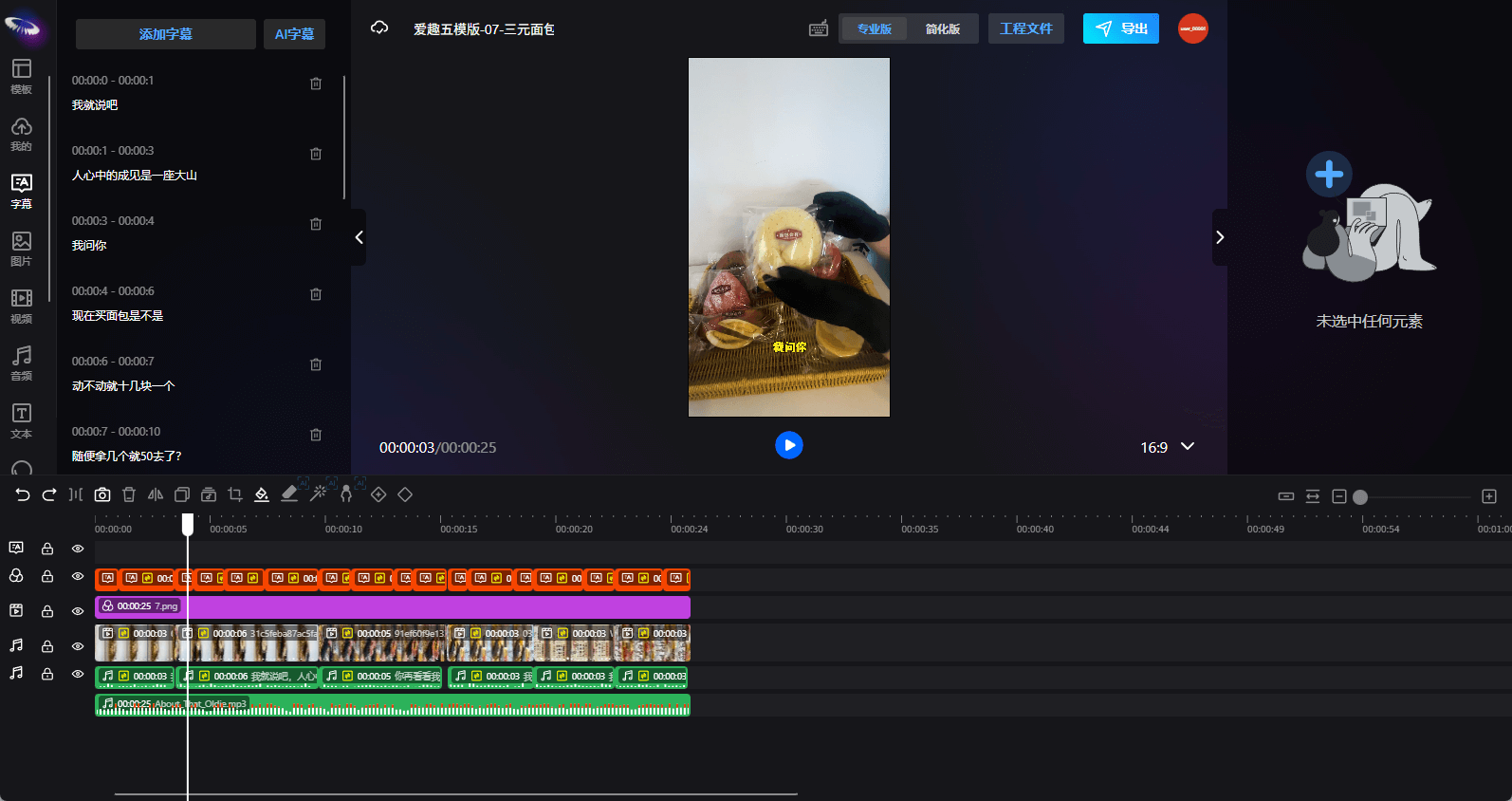
In the Professional version, selecting an element to enable template replacement will make the element appear in the Simplified version.

Simplified Version: 
Elements in the Simplified version cannot be selected; only elements can be dragged in to replace materials. The Simplified version only supports replacement of image, video, audio, and text elements.