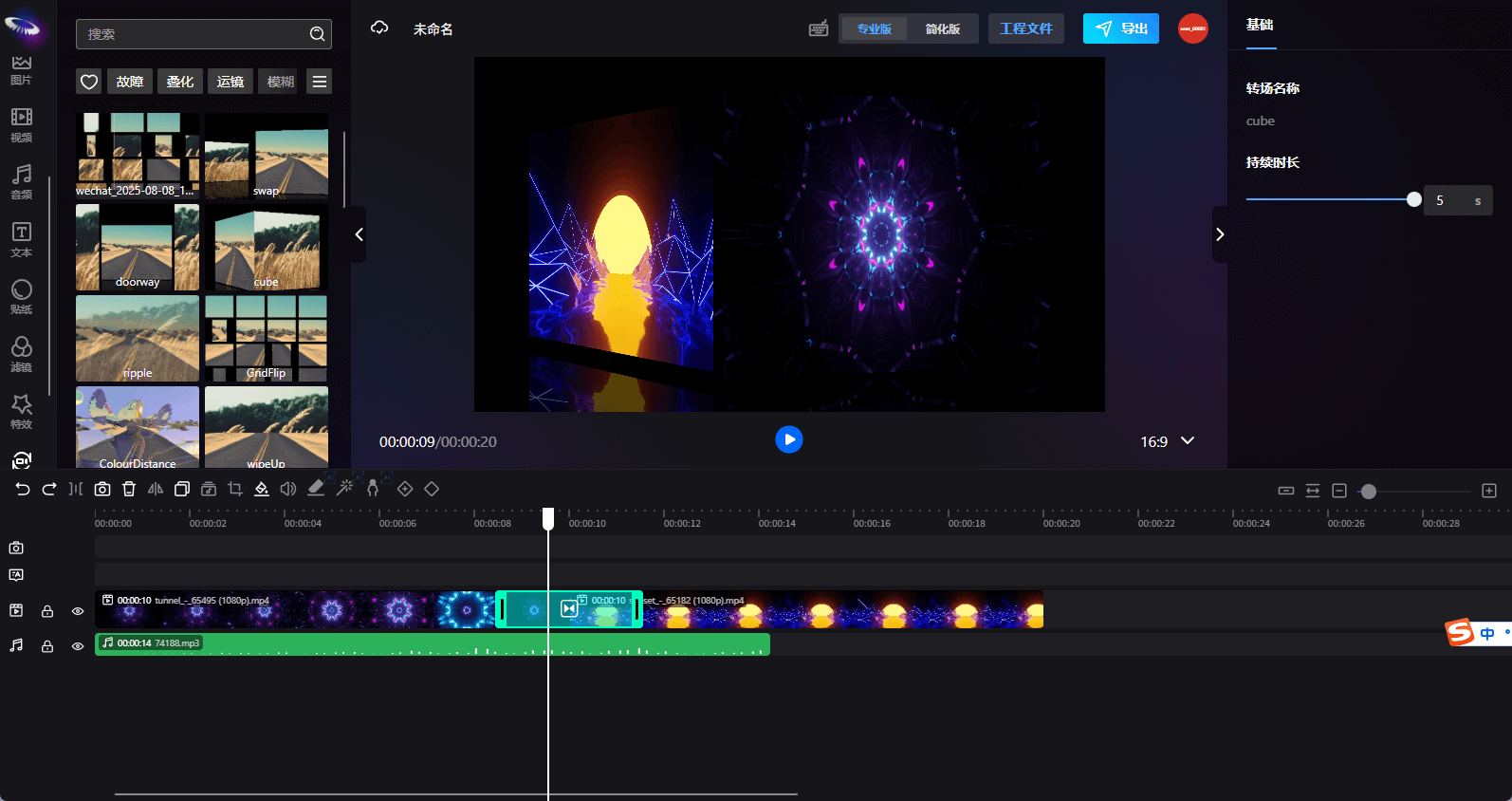
Transition
Switch to the transition panel, and users can add various transition effects. Transitions can only be applied between video or image elements.
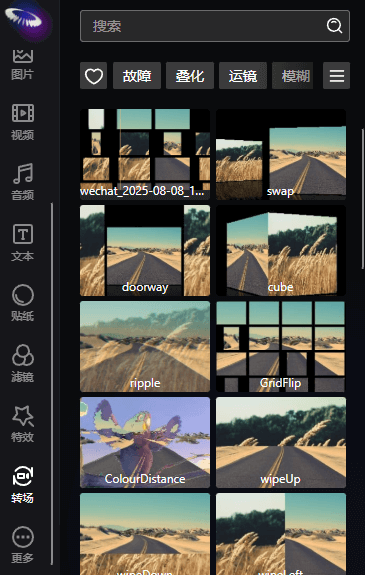
The essence of a transition is to smoothly transition between the end of one video clip and the beginning of the next, improving the coherence and visual effects of the video. Therefore, transitions must be added between video clips, and the transition duration can be set (maximum not exceeding 5 seconds).
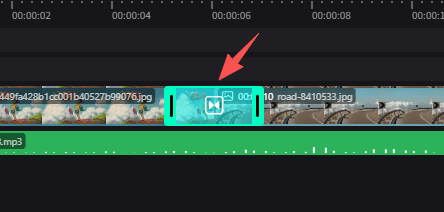
Transition Explanation
Transitions may result in overlapping parts between two videos. The timeline will crop the overlapping content with the following business logic: the first 1/2 of the overlapping part displays the first frame of the latter video, and the second 1/2 of the overlapping part displays the last frame of the former video.